
WhatsApp Desktop
WhatsApp Desktop is the official WhatsApp app for Windows, letting you chat and call from your PC with the account on your phone.
339.2 MB

WhatsApp Viewer is a free Windows tool by Andreas Mausch that opens WhatsApp chat databases from Android and displays the conversations on a PC.
Average 0.0 · ratings: 0
Thank you! Your rating is saved; you can change it. Could not save the rating. Please try again later. Too many ratings from your network today. Please try again tomorrow. The average appears after 5 ratings.
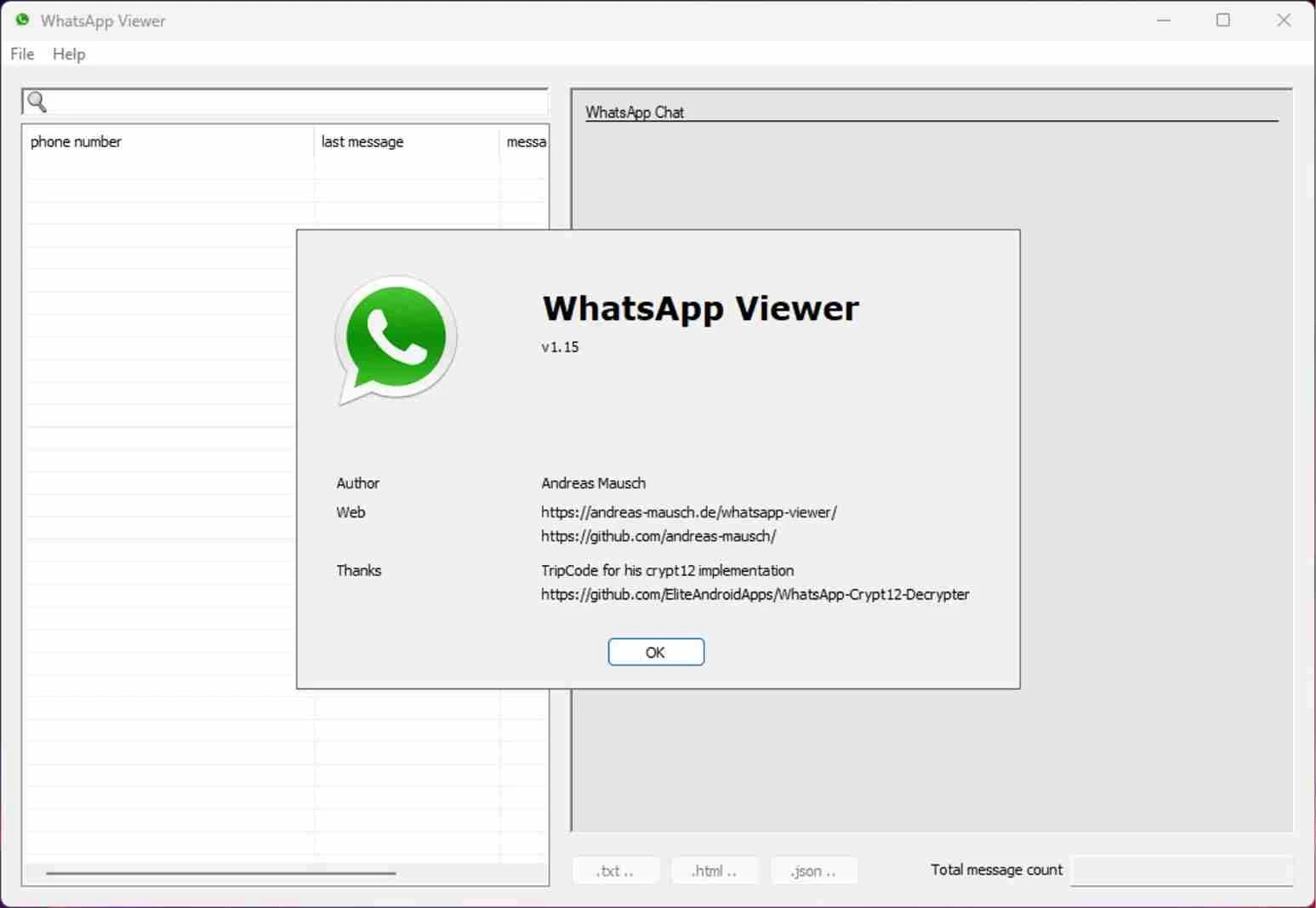
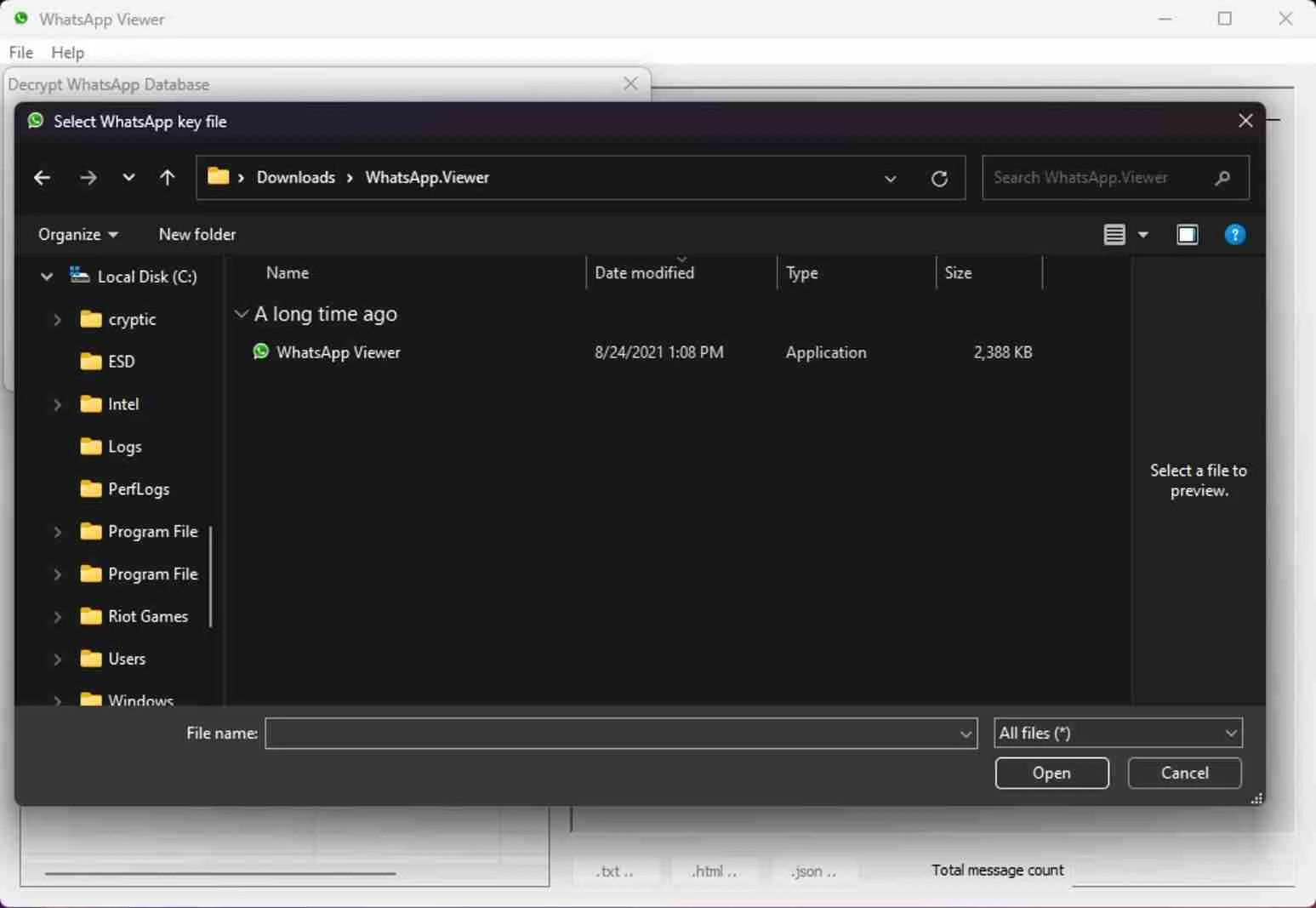
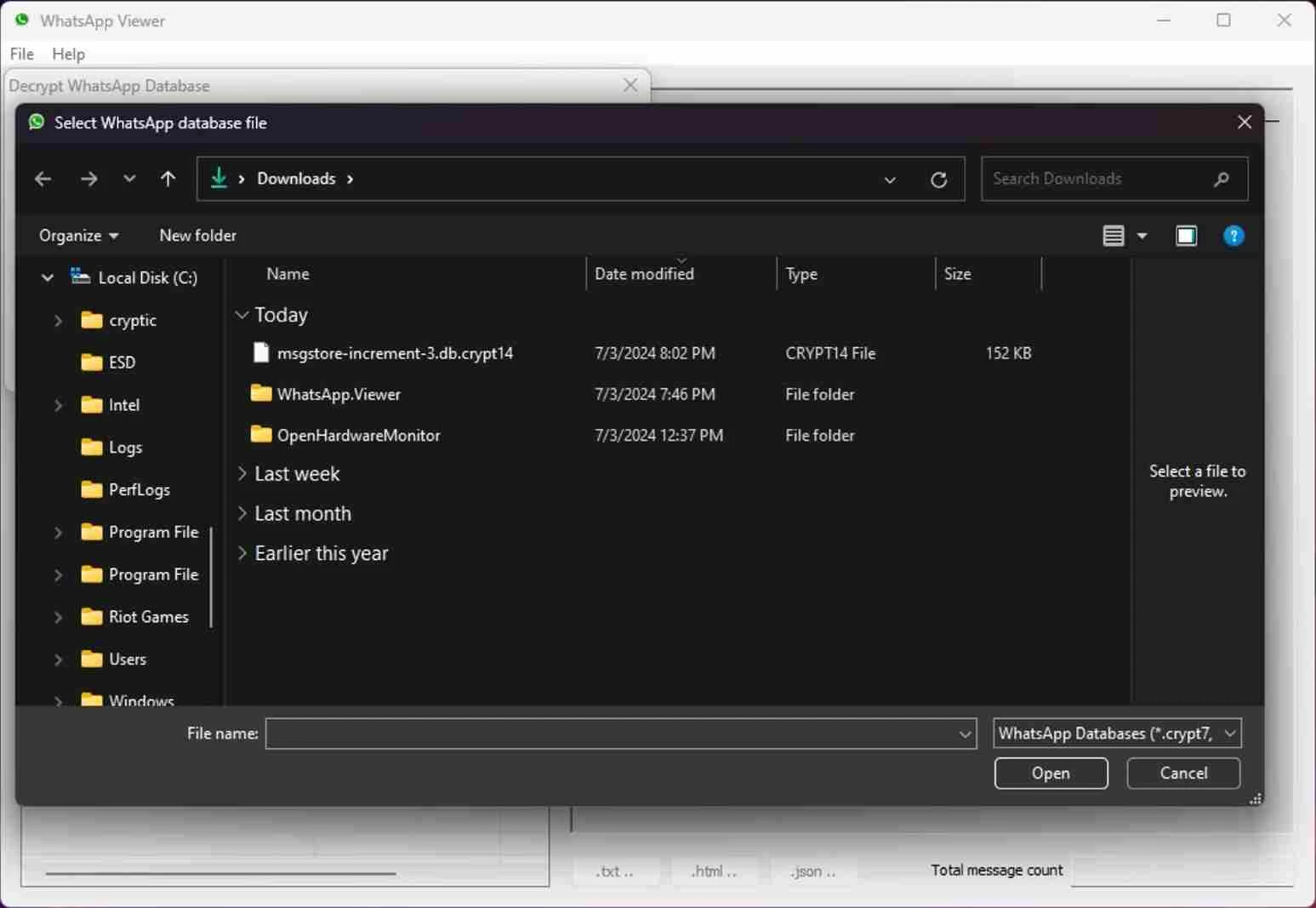
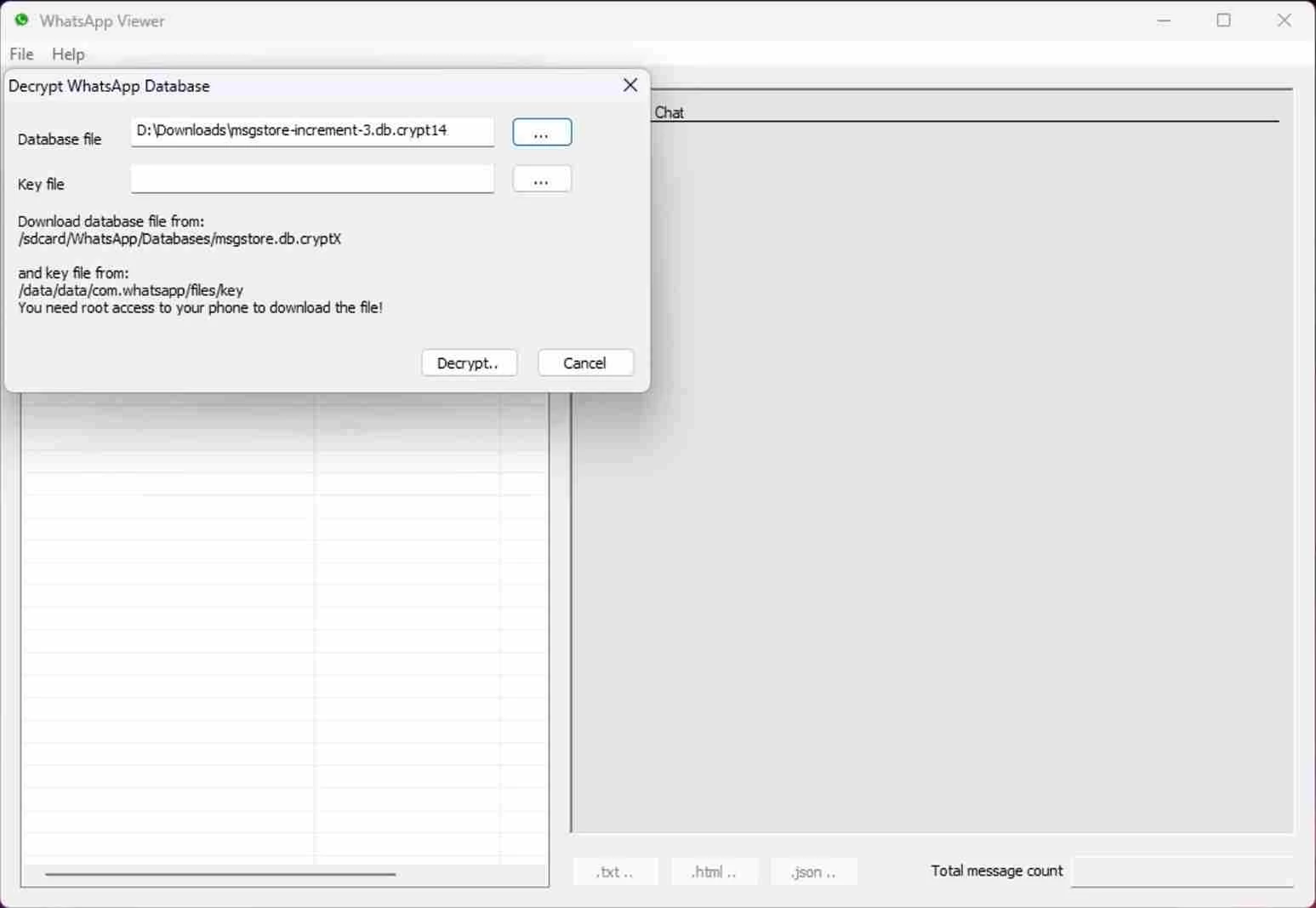
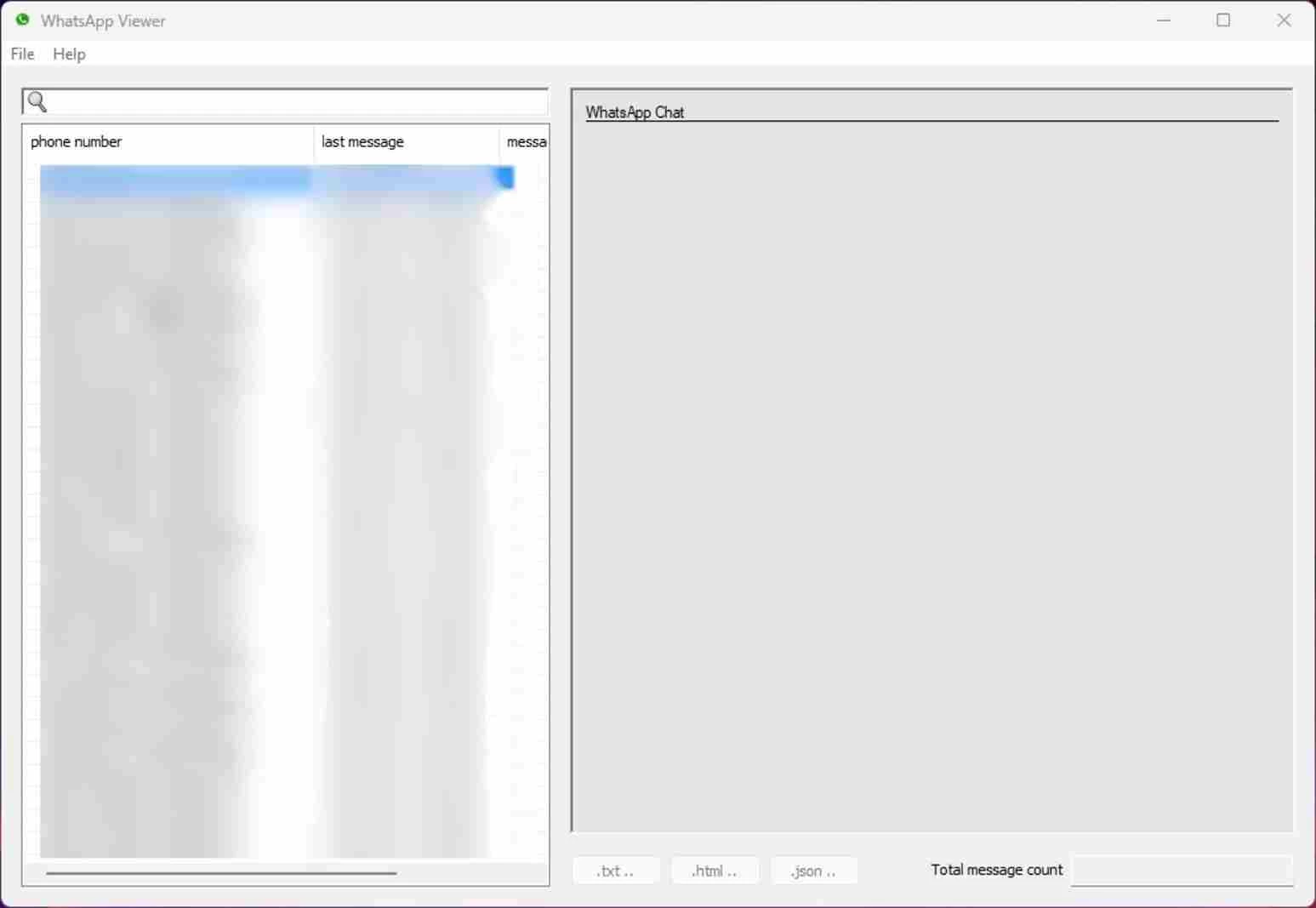
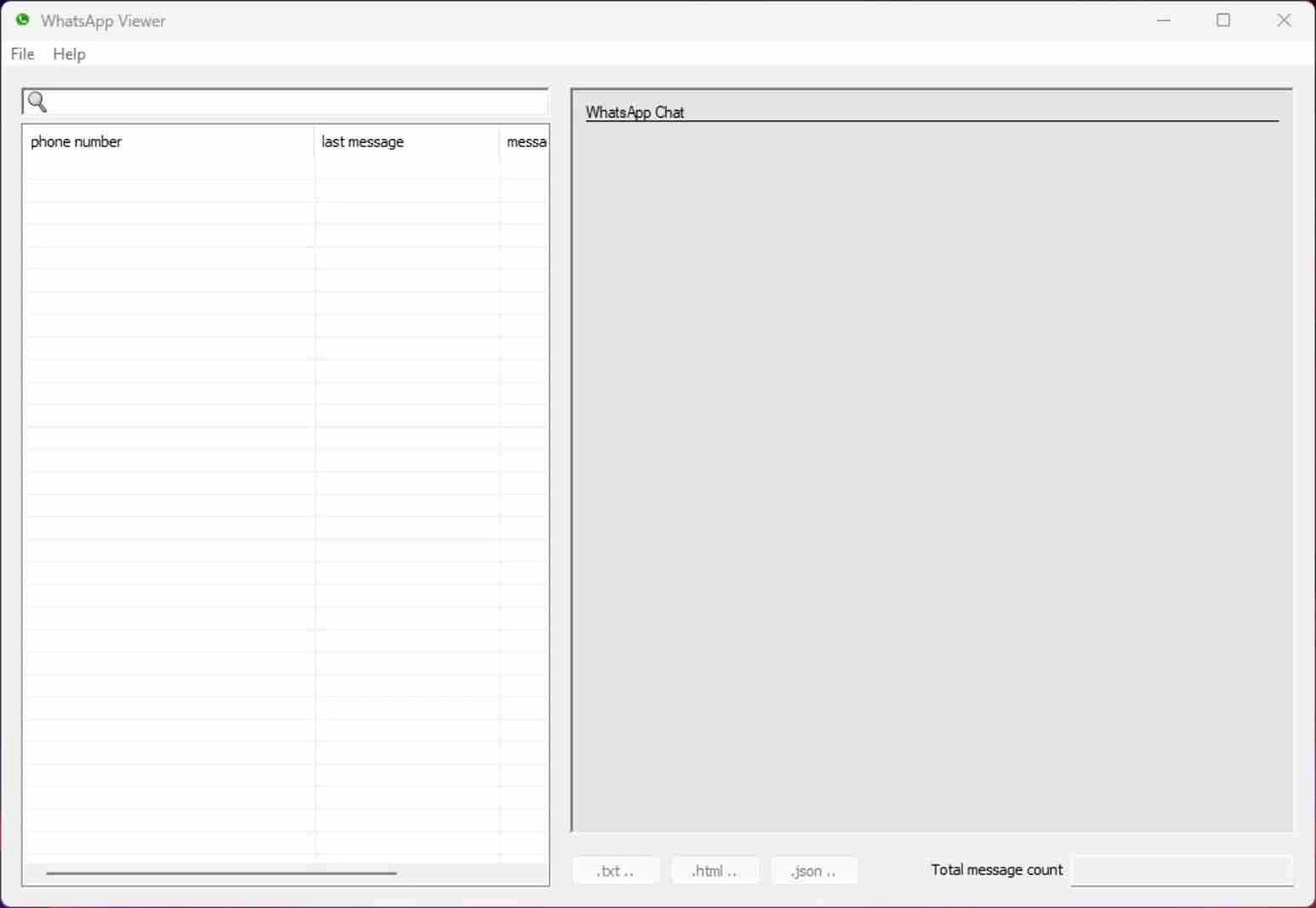
WhatsApp Viewer 1.15 is a free Windows tool by Andreas Mausch that opens a WhatsApp chat database from an Android phone and shows the conversations on a computer screen. It is a reader, not a messenger: it does not connect to WhatsApp, send messages or log in to an account. You can download WhatsApp Viewer for Windows from the author's website.
The tool is for people who need to look through their own old chats on a big screen, outside the phone. Typical situations: you are switching phones and want to keep a readable archive of an important conversation; you need to find a specific message from years ago and scrolling on the phone takes forever; or you want to export a conversation as text for your own records. WhatsApp Viewer loads the chat database file, lists the conversations and lets you read them in order, search them and export them. It is also of interest to people who study how messaging apps store data. It is not for everyday messaging, which WhatsApp Desktop and WhatsApp Web handle, and it is not a way to read other people's messages. Getting the database from a phone is the hard part: WhatsApp encrypts its backups, and the tool needs a file that you can legitimately access and decrypt. Recent WhatsApp versions have changed their backup formats over time, so the tool may not open files created by current versions.
| Item | Details |
|---|---|
| Version | 1.15 |
| Author | Andreas Mausch |
| Platform | Windows |
| Licence | free |
| Size | about 1.35 MB according to catalogue data |
Background on how the tool evolved is in the author's blog post on an earlier version.
Chat databases contain other people's messages too. Use the tool only with your own data or with explicit permission, and keep exported files somewhere safe, ideally encrypted. Accessing someone else's messages without consent is illegal in many countries. Be suspicious of programs that promise to "read any WhatsApp" or "spy on chats": they are scams or malware, and this tool does nothing of the kind.
For live chatting on a PC, our listings include WhatsApp Desktop and WhatsApp Web, both from WhatsApp itself. Telegram Desktop and Signal are other messengers with desktop apps.
WhatsApp Desktop is the official WhatsApp app for Windows, letting you chat and call from your PC with the account on your phone.

Microsoft Teams is Microsoft's collaboration and video-conferencing app for chat, meetings, calls and shared files at work, school or home.

Zoom Meeting is the desktop client of Zoom's video-conferencing service for calls, webinars, screen sharing and chat on Windows.

Camo Studio is Reincubate's desktop app that turns an iPhone, iPad or Android phone into a high-quality webcam for a Windows PC or Mac.

Google Meet is Google's video meeting app. On Windows it runs from the browser and can be installed as an app, with no separate installer to download.

Facebook for Windows is the desktop app of Meta's social network, with the news feed, groups, pages and notifications in a separate window.

Telegram Desktop is the official Windows client of the Telegram messenger, with chats, groups, channels and file sharing synced from the cloud.

Telegram Web is the browser version of the Telegram messenger: open it on a Windows PC, log in with your phone and chat without installing anything.